
A Google Business Profile Checklist That Turns Views into Calls
When someone nearby searches for a dentist, a deli, or a plumber, your Google Business Profile usually appears before your website does. It shows up in Google Maps and in the local block on the results page, complete with your hours, photos, reviews, and phone number. A complete, accurate profile works quietly in the background. A half-finished one sends ready-to-buy customers to the shop down the street. This checklist keeps yours earning its keep.
Start With Categories and Services
Your primary category is the most important field on the whole profile because it tells Google which searches can display your business. Choose the most specific accurate option: an Italian restaurant should pick “Italian restaurant,” not just “restaurant.” Add secondary categories only for things you truly offer, then list your services or menu items with short plain-language descriptions. Set your service area to the towns and counties you actually cover, whether that is all of Long Island or a handful of communities. If you are new to local search, our local SEO basics guide explains how nearby customers find you.

Getting these fields right also keeps your listing from drifting into irrelevance as your business changes over time.
Keep Hours, Photos, and Answers Current
Details go stale faster than most owners expect. Set special hours before every holiday week, because outdated hours can cost you a customer who was already driving over. Add fresh photos on a regular rhythm: your exterior and entrance, your interior and team, and real examples of your work. Genuine pictures consistently outperform stock photos because customers can tell the difference. Use the question-and-answer section proactively. Ask your three most common questions yourself, such as where to park, whether walk-ins are welcome, or how you price estimates, then answer them clearly so customers never have to call just to learn the basics.
Make Contacting You One Tap
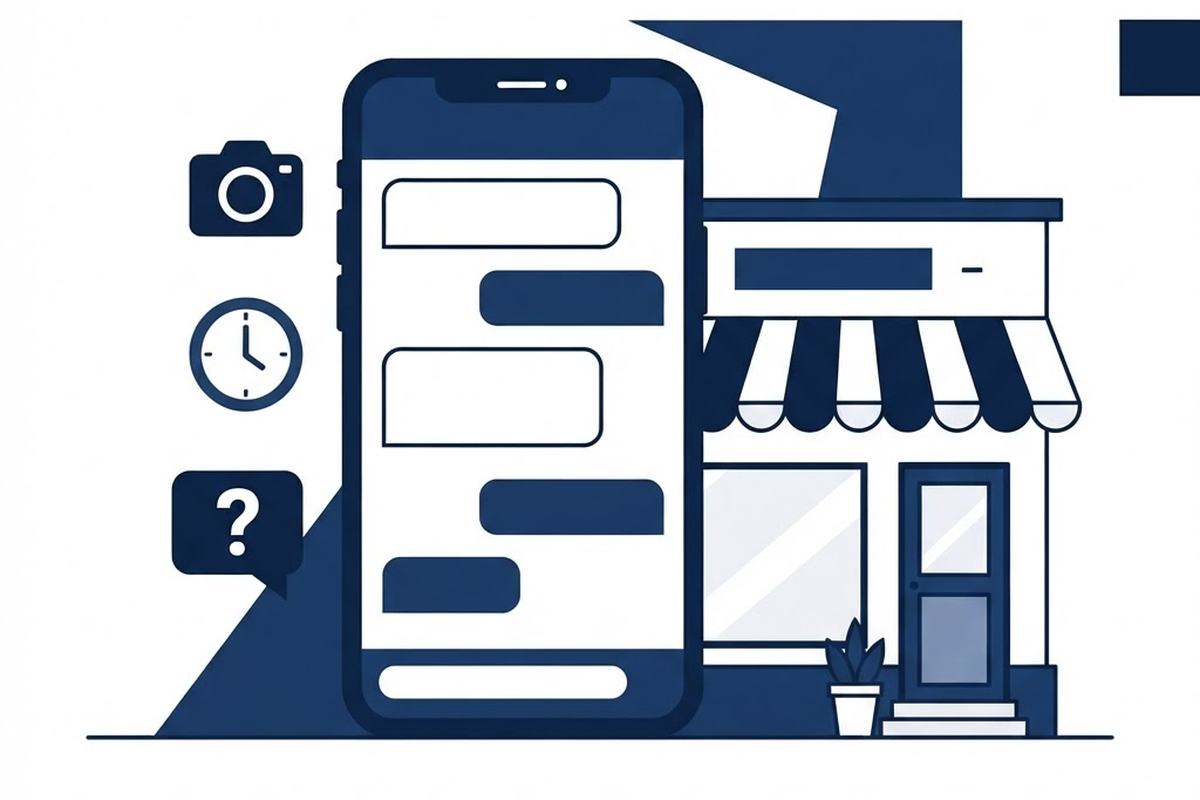
Finally, remove every bit of friction between interest and action. Turn on messaging so busy customers can ask a quick question from their phone, and set an automatic reply for messages that arrive after hours. Double-check the phone number and website link, add your booking or appointment link if you have one, and keep publishing short updates about offers, events, and seasonal news. Our guide to Google Business Profile posts that get clicks has examples you can adapt today.
Your profile is often a customer’s first impression of your business. Hauben Media helps Long Island businesses look sharp everywhere customers find them, from local search results to a website that turns visitors into customers. If you want a professional pair of eyes on your presence, check out our marketing services and get in touch.
Hire Me
Hauben Media builds websites and marketing campaigns that help local businesses win more customers. Get a free, no-pressure quote today.
Contact Us for a Free Quote